A steady-state process simulator that runs on tablets and phones. Draw the flowsheet, pick the fluid package and watch it solve as you build.
Built for oil and gas training, so every student, lecturer and engineer can run a real case wherever they are.
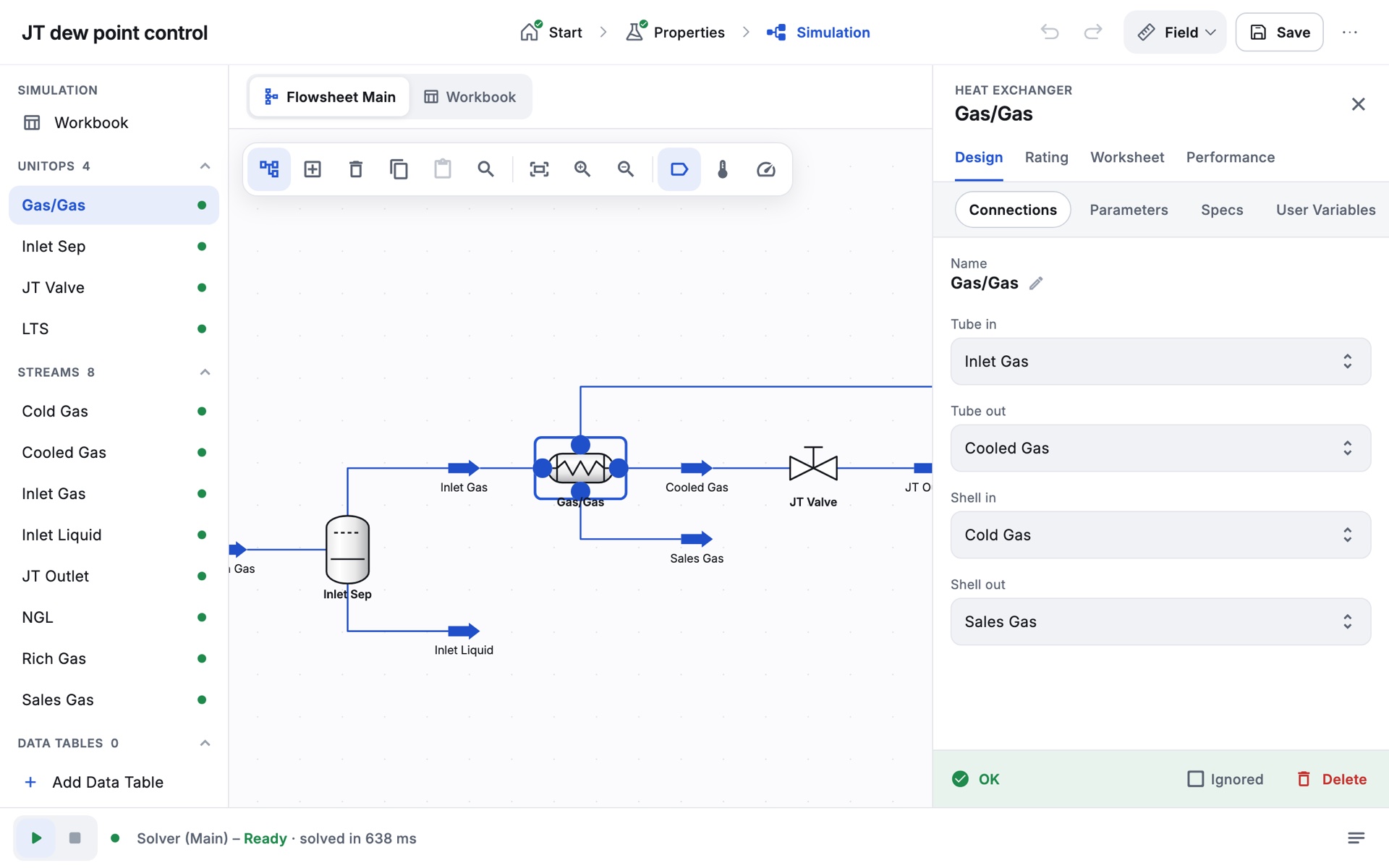
Most students watch simulation on a projector. Few get to run it themselves.
Zalosim puts a full flowsheet simulator on each student’s own tablet or phone, so every learner builds the case, breaks it and fixes it.
How a session runsStarter cases fromreal oil and gas work.
Six cases ship with the app. Each has a guided exercise that walks the student through the build, one step at a time.
-
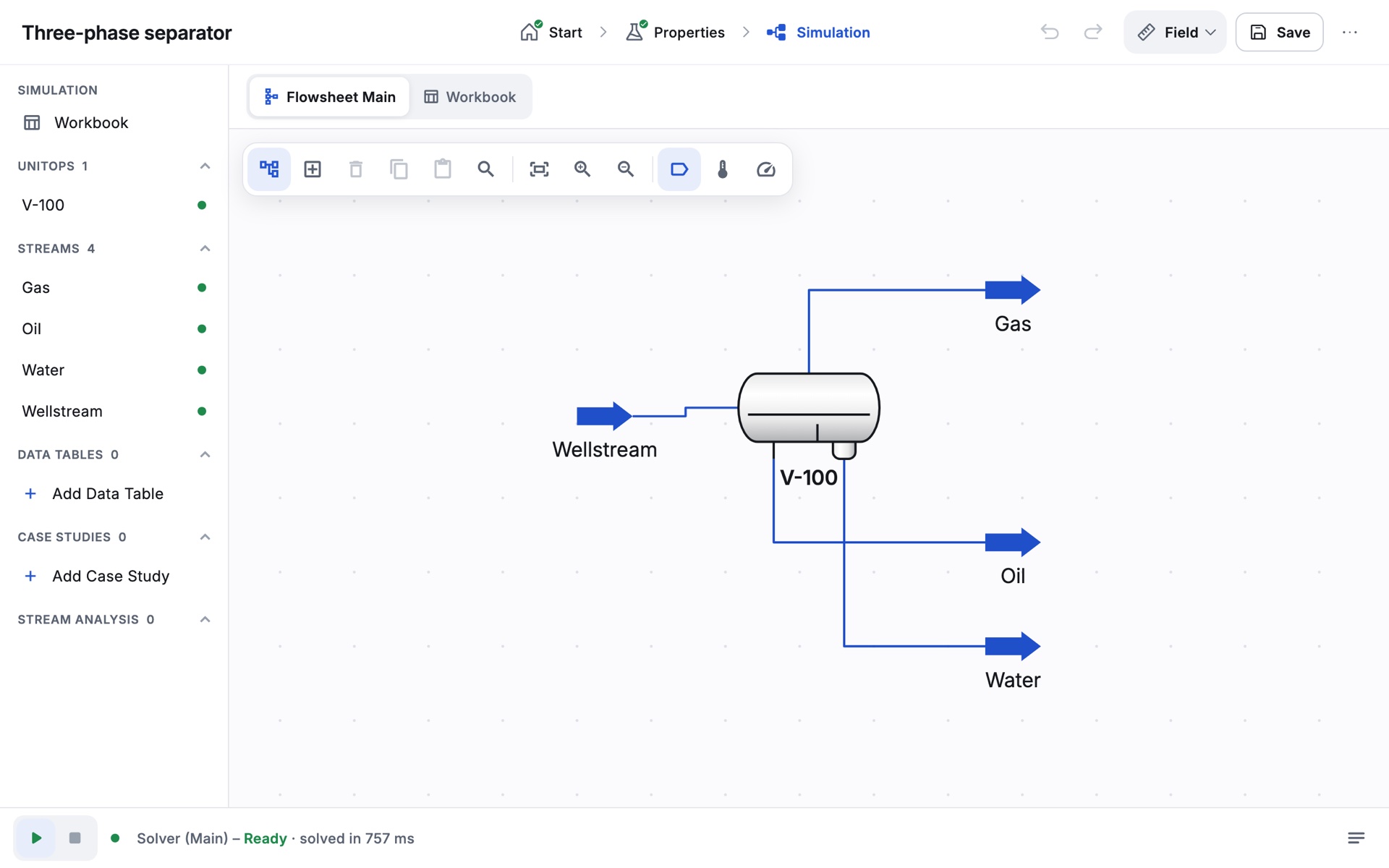
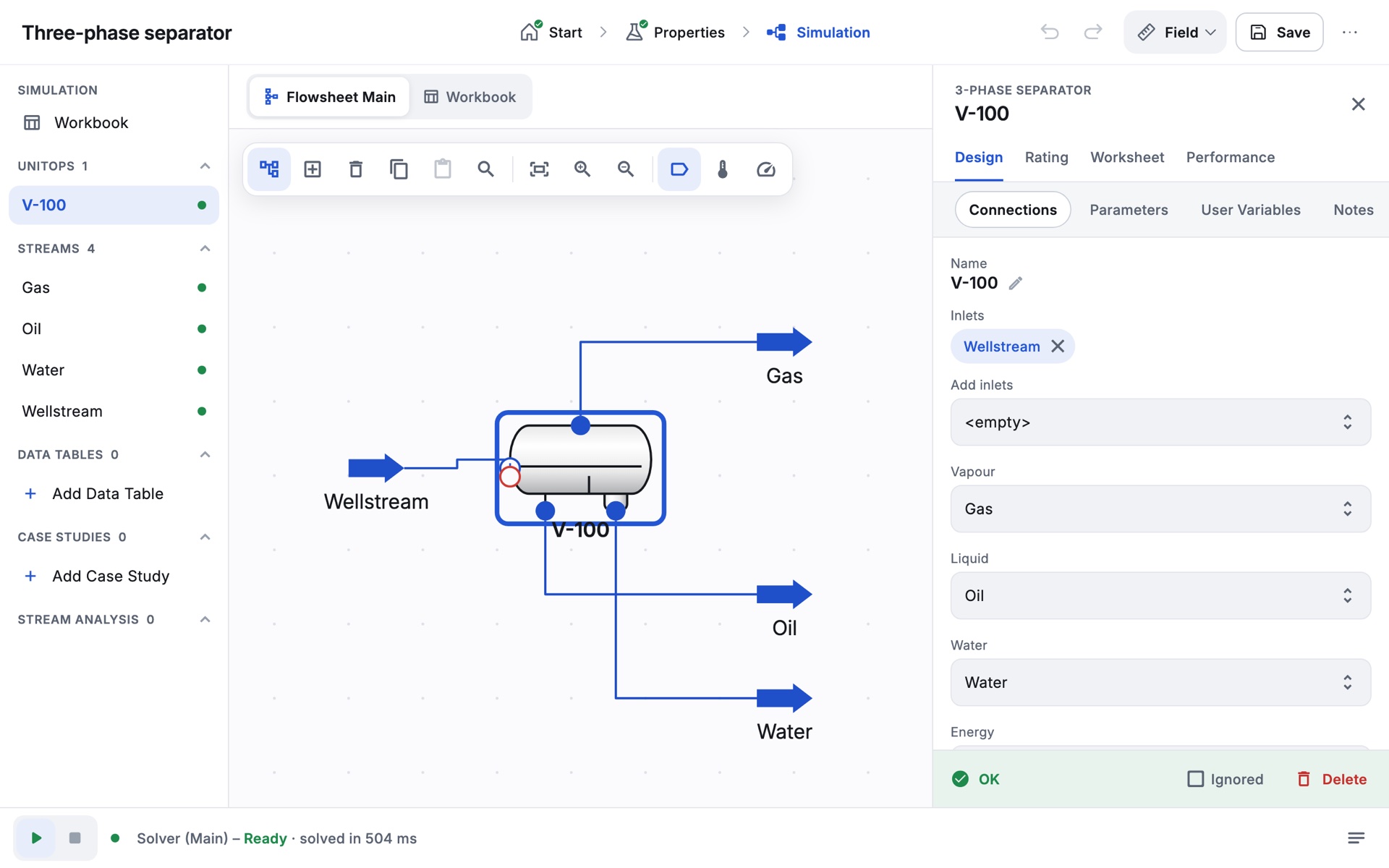
Three-phase separator
Split a wellstream into gas, oil and produced water, and read what leaves each outlet.
-
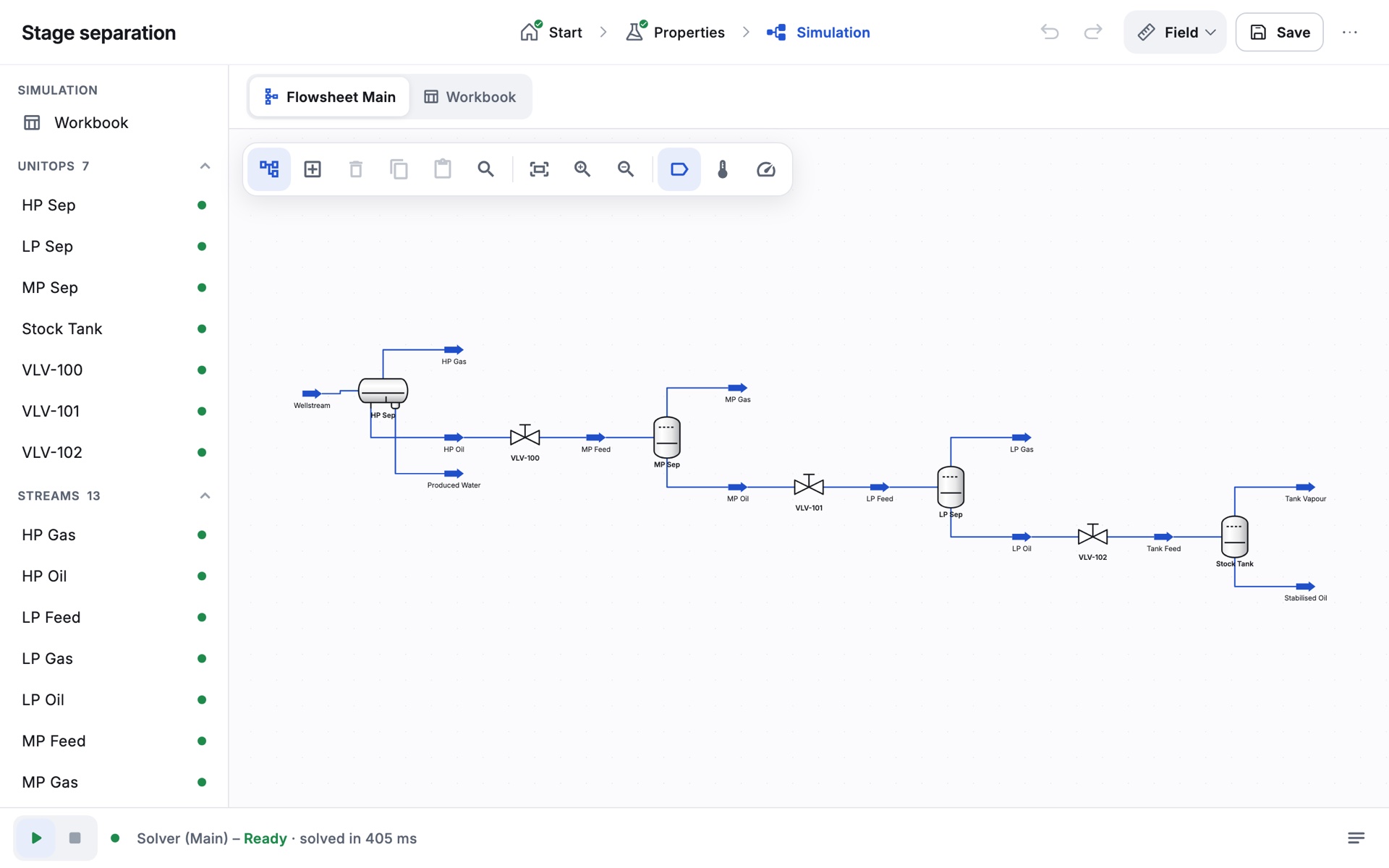
Stage separation
High, medium and low pressure stages, and why stepping the pressure down keeps more liquid.
-
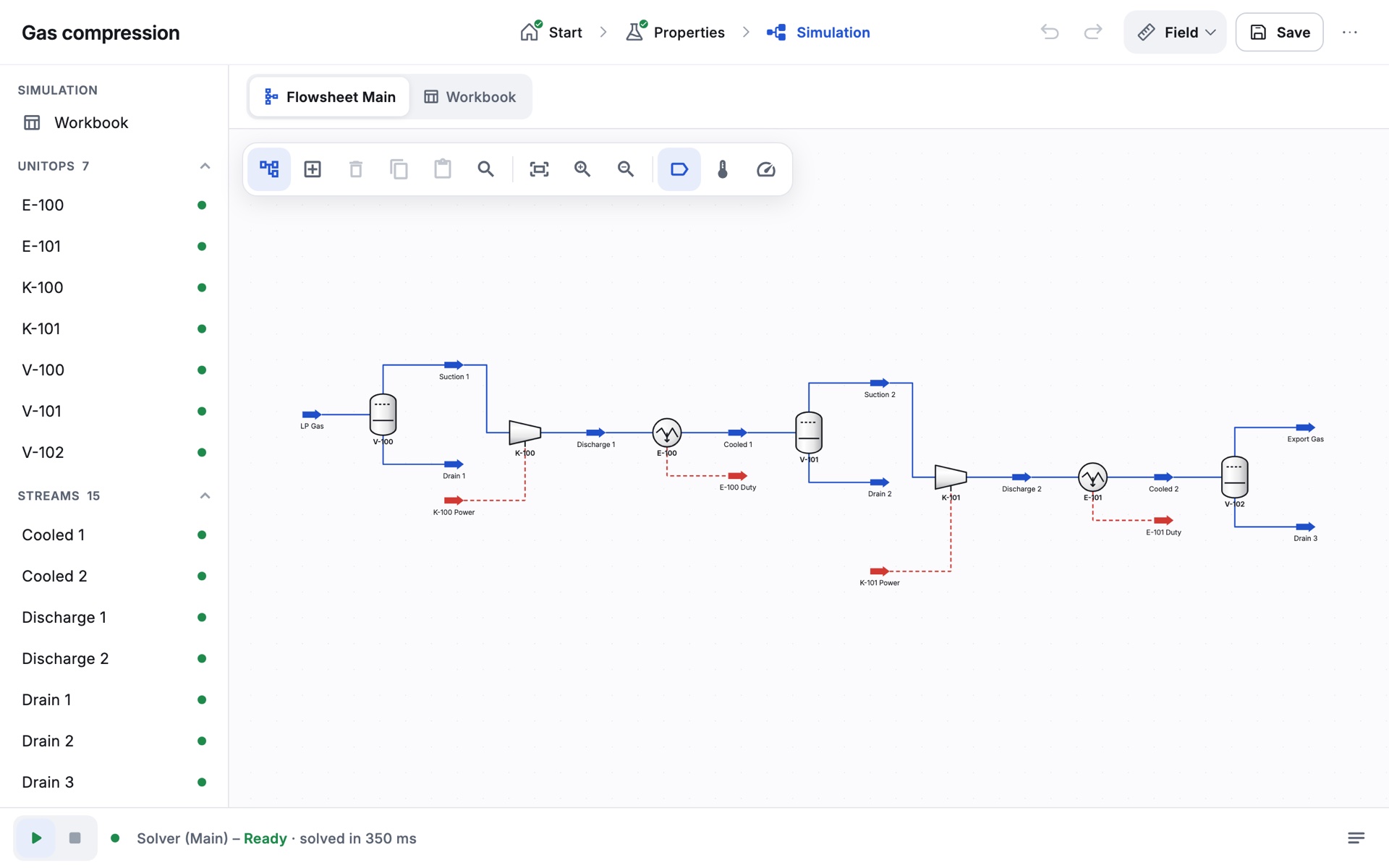
Two-stage compression
Rich associated gas from 30 to 600 psia in two stages, with coolers and scrubbers: power, discharge temperature and the condensate that drops out.
-
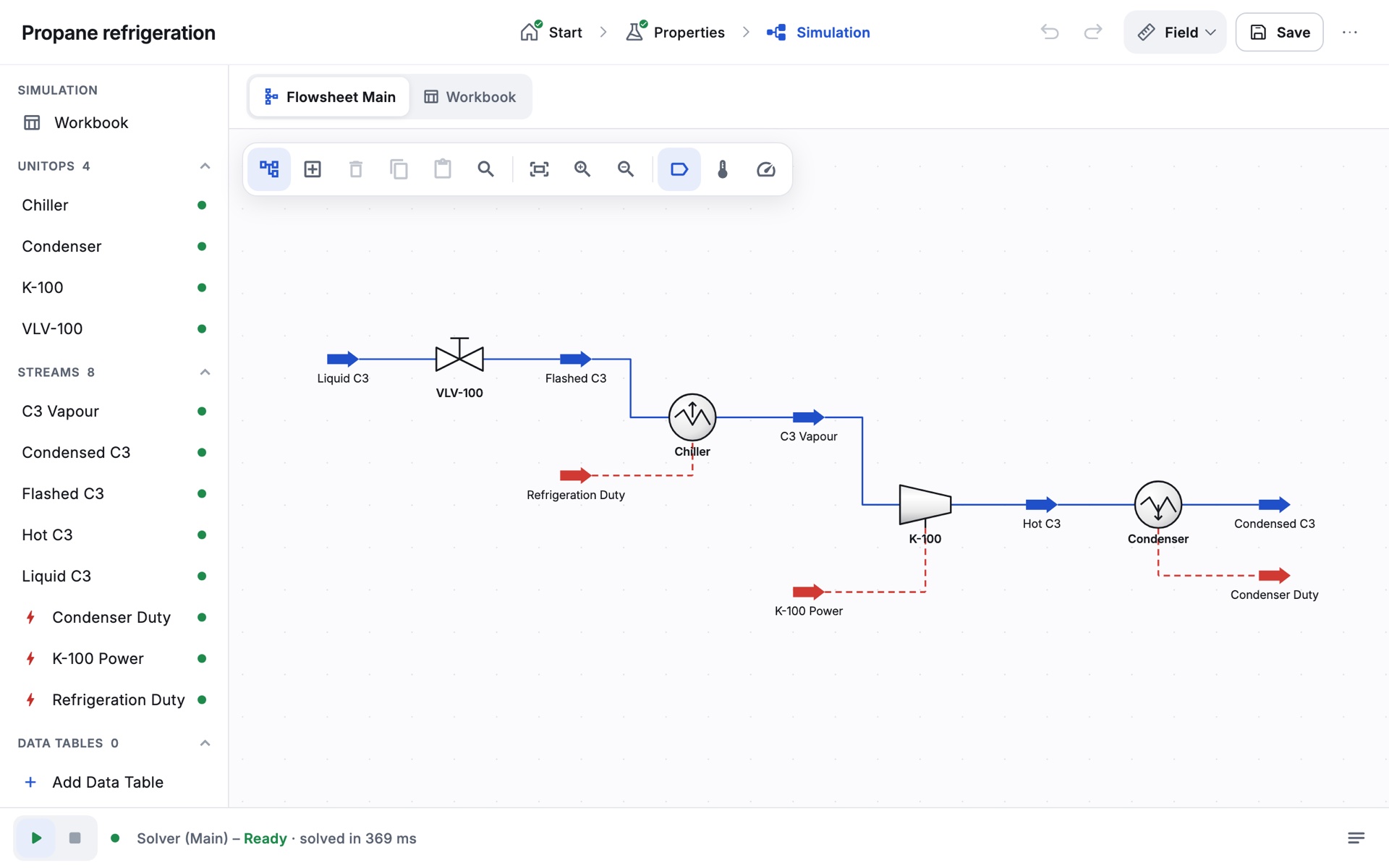
Propane refrigeration
A closed refrigeration loop, with compressor work and coefficient of performance checked against NIST property data.
-
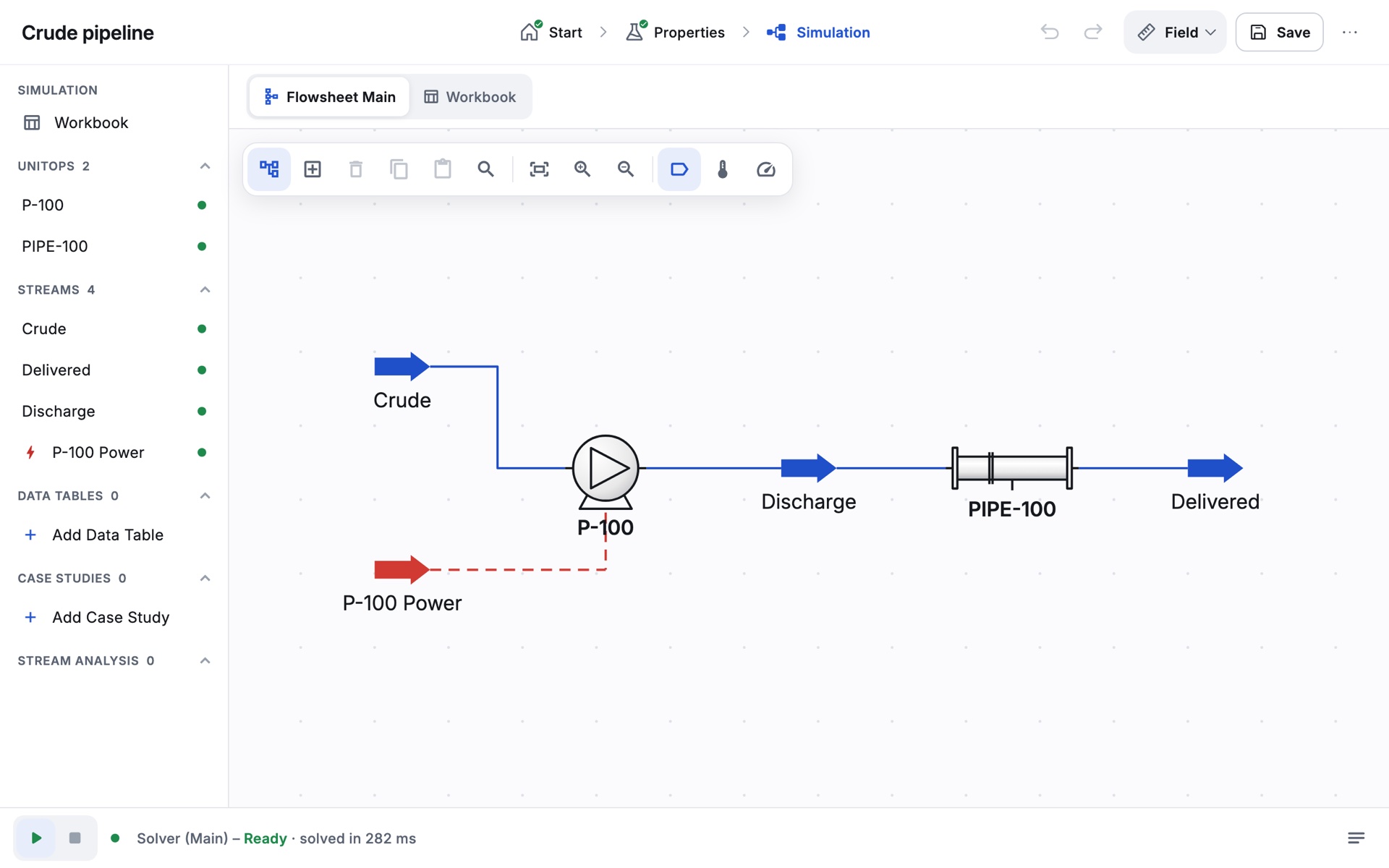
Crude oil pipeline
A pump and a long line: pressure drop, velocity and pump power, checked by hand calculation.
-
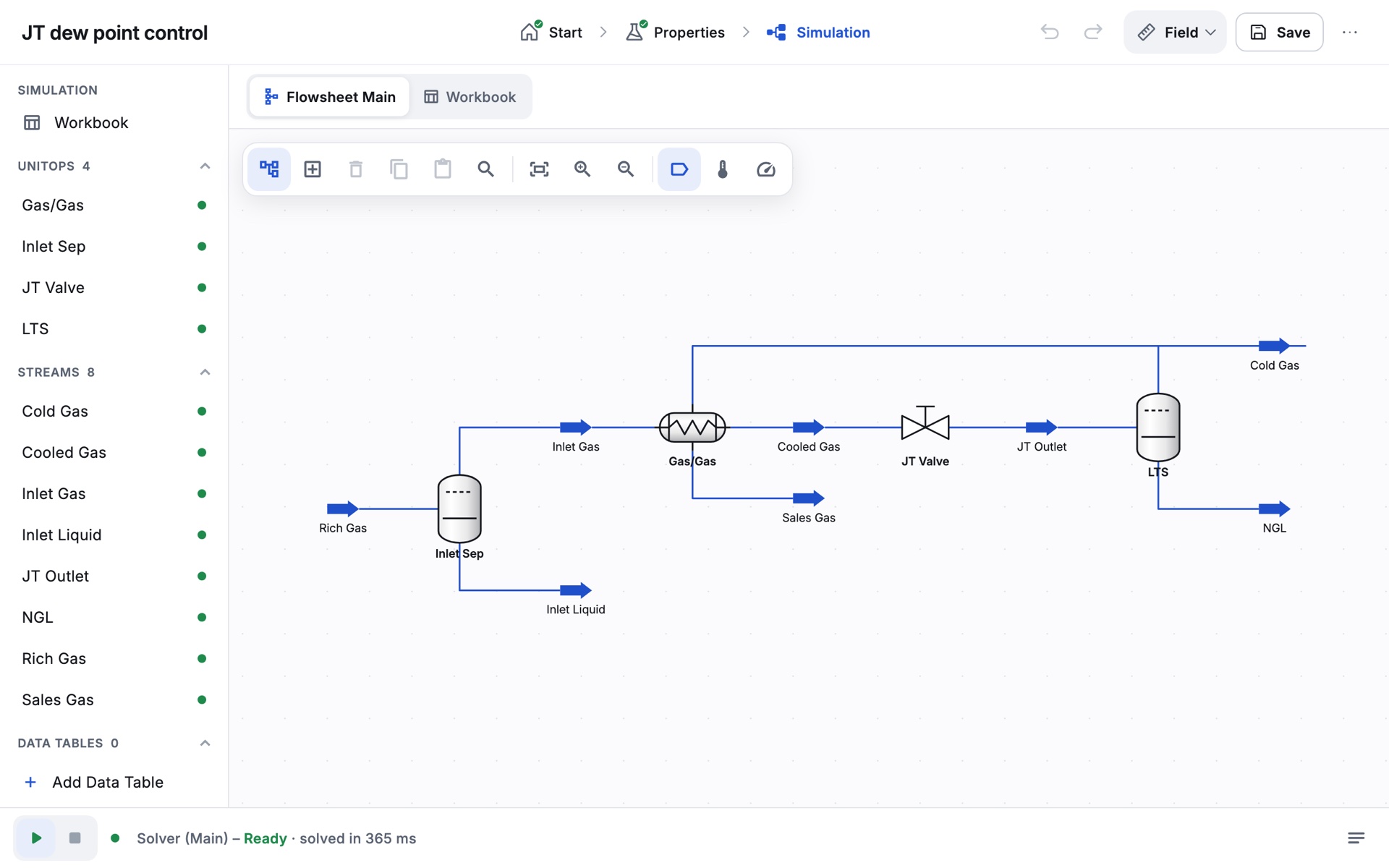
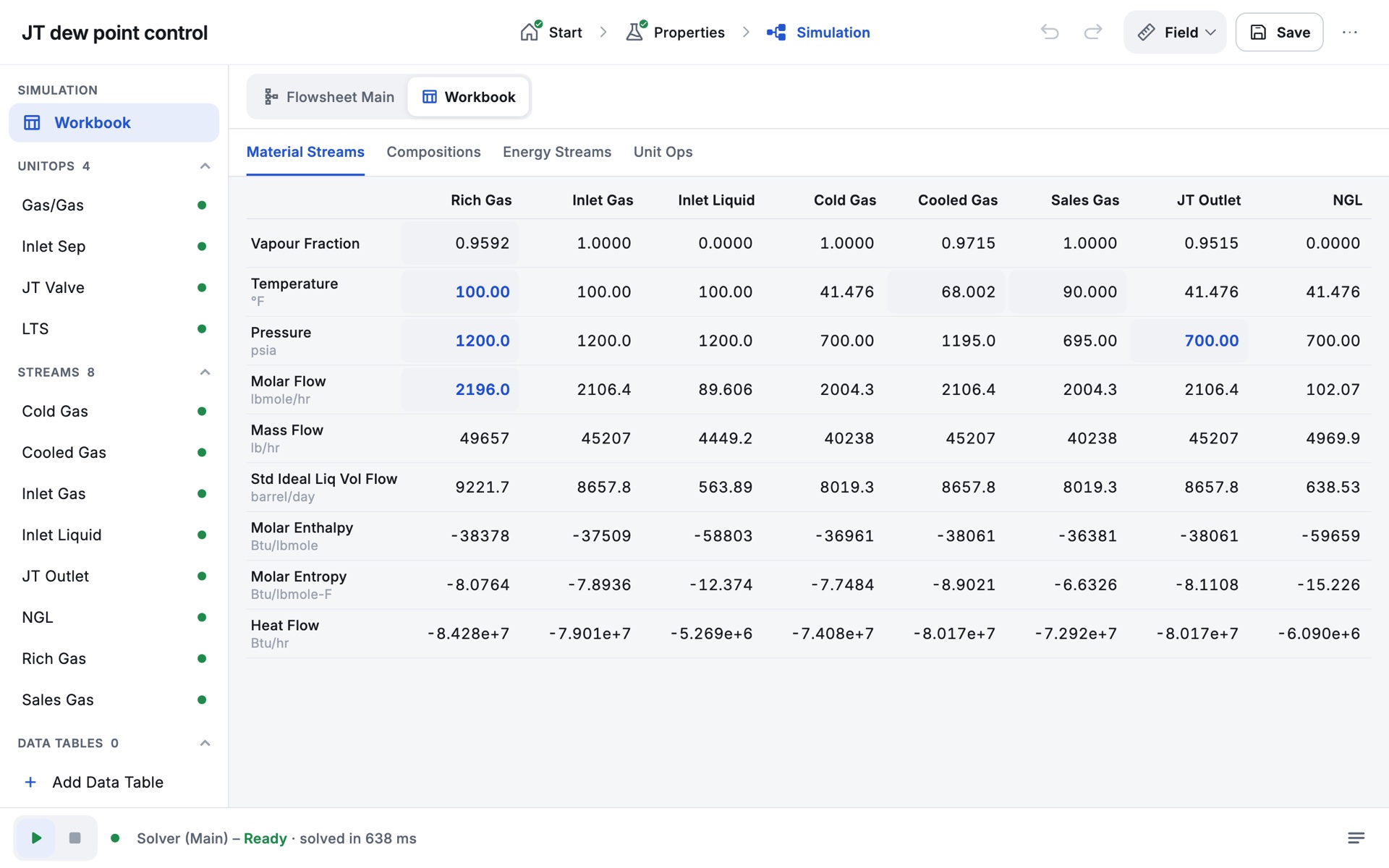
JT dew point control
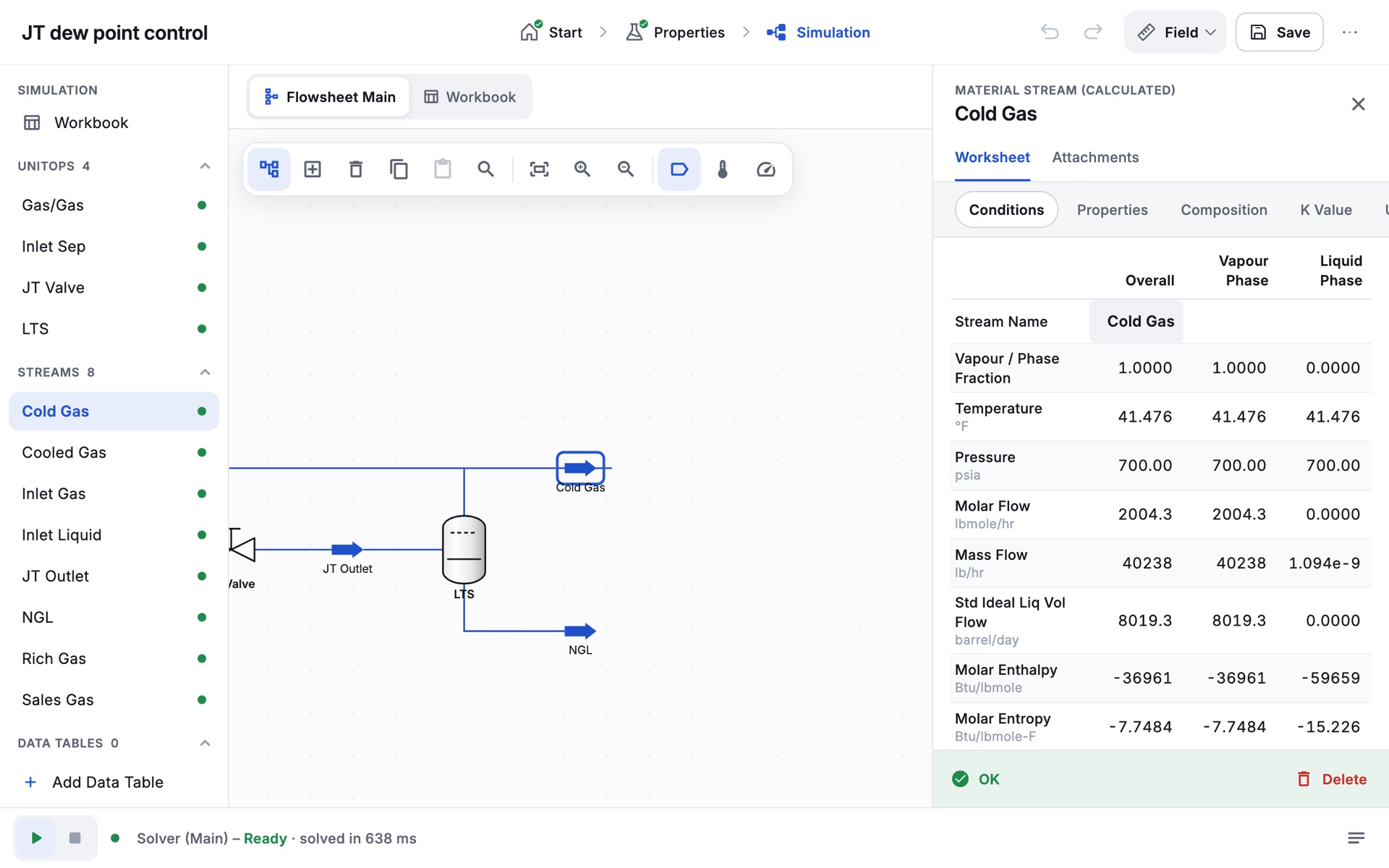
Gas/gas exchanger, Joule-Thomson valve and cold separator, with Adjust finding the valve pressure that meets the spec.
How a session runs
The steps engineers use,on a screen students own.
-
Choose components from the databank, then a Peng-Robinson or SRK fluid package. Oil Manager turns assay data into pseudo-components.
-
Drag unit operations onto the PFD and connect the streams. Entered values show in blue, calculated values in black.
-
The solver runs as you build. Phase envelopes, Adjust, Spreadsheet and Case Study show how the process responds.
-
Export a PDF report of every stream and operation, ready to hand in or mark.
What to expect
What you canhold Zalosim to.
Numbers that are checked
Starter cases are checked against references: the refrigeration loop against NIST property data, the pipeline against hand calculations.
Works without internet
Everything runs on the device. A connection is needed once, to activate, and the app keeps working offline after that.
Students keep their work
Cases save on the device. Cloud backup is optional, needs the student’s consent, and backups can be deleted at any time.
Open source
Zalosim is free software under the GNU GPL v3. Nothing about how it calculates is hidden.
For institutions
One keyfor your whole class.
One licence key per institution, for as many devices as you need. Students activate with their own email, and it works for the year. Free for Nigerian universities and training bodies during the rollout.
- 1
Install the file you downloaded.
- 2
Get a key from your institution, or request one.
- 3
Activate with the key, your email and the code we send.
Request a licence
Free duringthe rollout.
Tell us who it is for. We reply by email with your licence key, usually within two working days.
- Send this form. We email you a confirmation straight away.
- We set up your licence. An institution gets one key for the number of devices it needs. An individual key works with your own email on two devices.
- Activate in the app. Enter the key and your email, then the 6-digit code we send.